Excel vs Gym Management Software: When Is It Time to Switch?
Spreadsheets are great when you launch with 20 members. But once you cross 50 members, manual formula breaks, accidental cell edits, and untracked dues cause silent cash leaks. Here is how to know when to make the leap.
The Excel Trap: Why Gym Owners Start With Spreadsheets
Almost every gym in India starts with Microsoft Excel or Google Sheets. It's easy to see why:
- It costs ₹0 if you already have MS Office or a Google account.
- Every receptionist and front-desk trainer knows how to type into rows and columns.
- You can customize headers however you like.
When you have 15 or 25 members, Excel works smoothly. But as your gym grows to 75, 150, or 300 active members across monthly, quarterly, and annual plans, the spreadsheet breaks down in predictable ways.
5 Warning Signs You've Outgrown Excel
Accidental Cell Overwrites
Staff members open the file on the reception computer, press a wrong key, and delete a formula or overwrite a member's payment date without anyone noticing.
Zero Mobile Access When You're Off-Site
When you are traveling, at home, or out buying supplements, you cannot easily check today's collections or view which memberships expired this morning.
No Accountability or Audit Trail
Excel does not record who edited row 84 at 3:15 PM. If ₹1,000 in cash goes missing, there is no timestamped record of which staff member took the money.
No Professional PDF Receipts
Typing receipts manually in Word or handwriting paper carbon copies wastes 10 minutes per transaction and looks unprofessional to paying members.
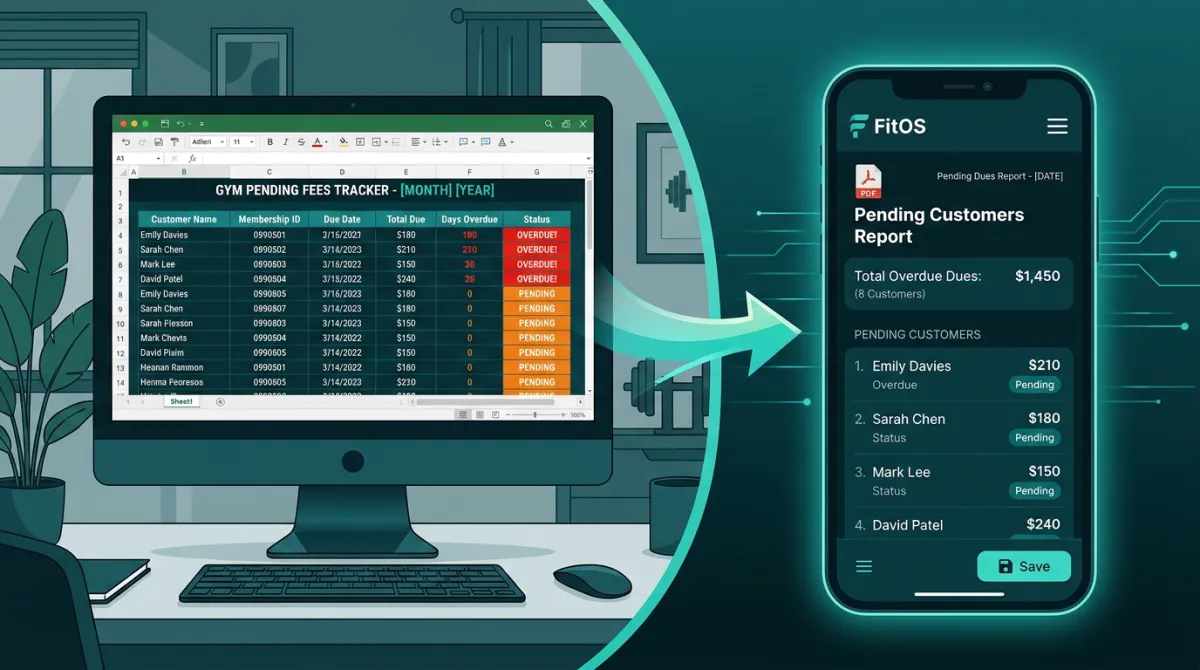
Manual Follow-Up Burnout
You must scan 100 rows every single morning, calculate calendar days, find phone numbers, and manually copy-paste reminder texts.
Side-by-Side Comparison
| Requirement | Excel / Google Sheets | JaiPar FitOS (Free Core) |
|---|---|---|
| Software Cost | Free | 100% Free Forever |
| Expiry Calculation | Manual formula (easily broken) | Automatic per plan duration |
| Part-Payment Tracking | Messy extra columns | Dedicated advance vs due ledger |
| Multi-Branch Access | Separate files; prone to confusion | Unified multi-branch toggle |
| Staff Role Permissions | No (Anyone can edit anything) | Controlled staff logins |
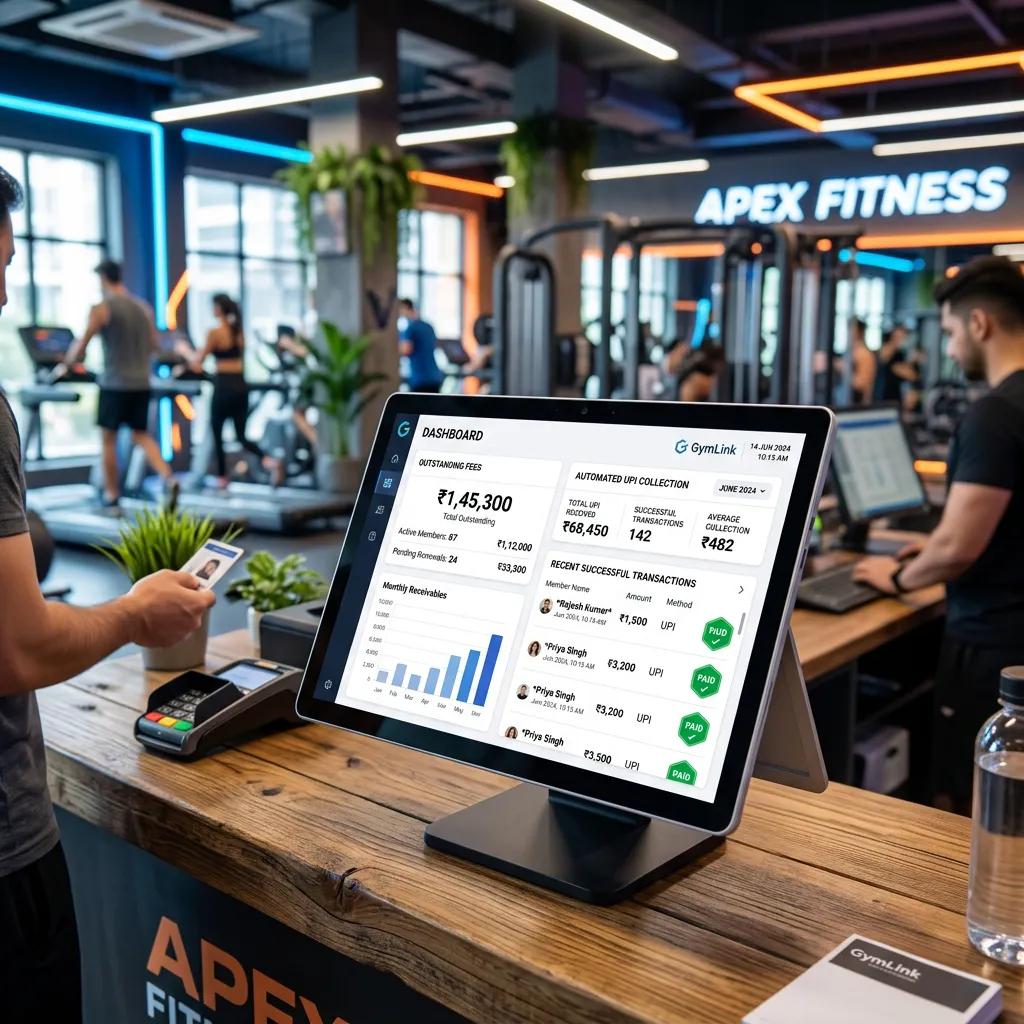
| Automated WhatsApp Alerts | Not possible | Pro (₹999/mo or ₹10,000/yr) |
Switching is Effortless: FitOS Free Excel Import
The #1 reason gym owners delay switching from Excel is fear: "I don't have time to re-type 200 members into a new software."
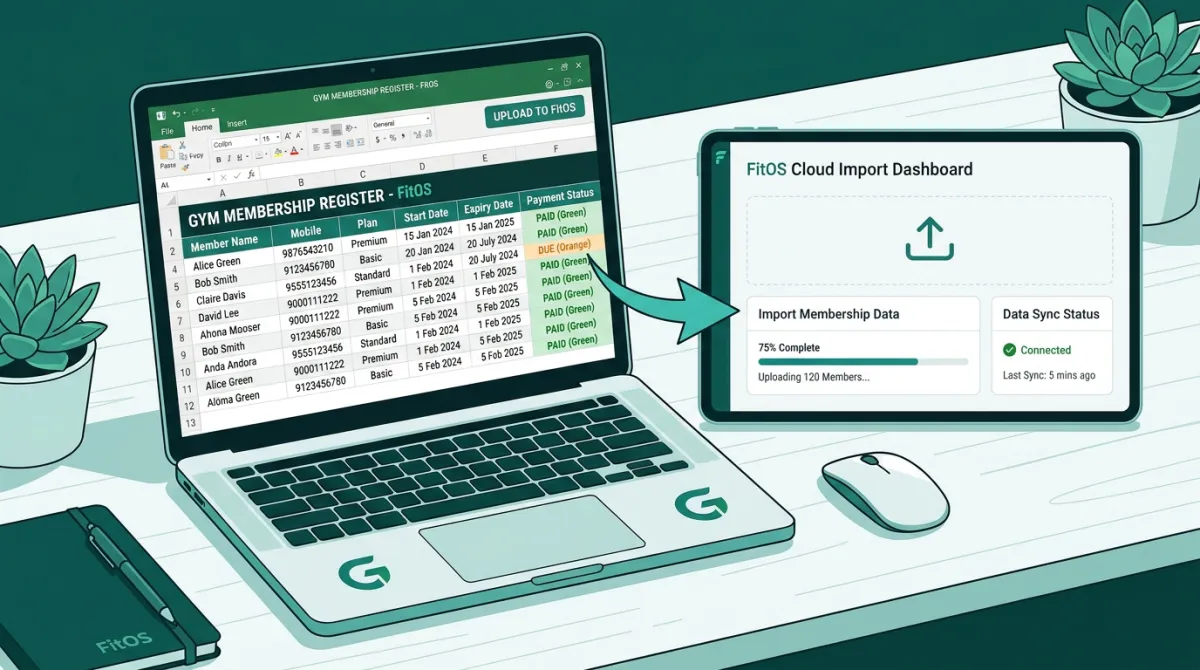
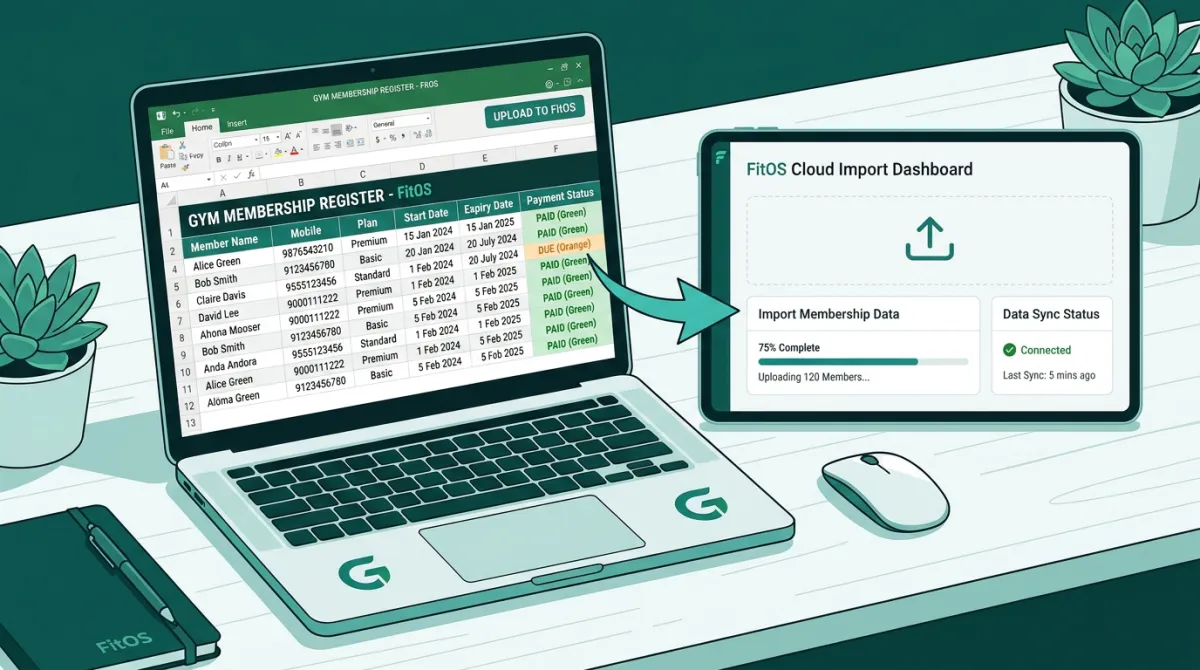
With FitOS, you never re-type your data. FitOS includes a built-in Self-Serve Excel Import Tool:
Download the sample Excel template directly from your FitOS portal.
Paste your member names, phone numbers, and joining dates into the columns.
Click Upload. FitOS instantly validates your sheet.
Exact Error Rows Listed: If row 24 has a 9-digit phone number, FitOS flags "Row 24: Invalid mobile number" so you can fix that specific entry without corrupting the rest of your list.
Upgrade From Excel to FitOS in 5 Minutes
Import your existing Excel register for free. Get unlimited member profiles, staff accounts, and PDF receipts with zero software fees.
JaiPar FitOS Editorial Team
Helping fitness business owners transition to clean digital operations.